Starter
The whole method. A fresh start.
$25
One payment
- All 14 lessons and practical exercises
- Filming and editing, start to finish
- For iPhone and Android
- Lifetime course access and updates
 Find your first frame
Make cinematic videos with the phone you already have. Fourteen short lessons. Fourteen hands-on exercises. One finished film to call your own.
Request the course — $25Order by email. One payment. 30-day refund.
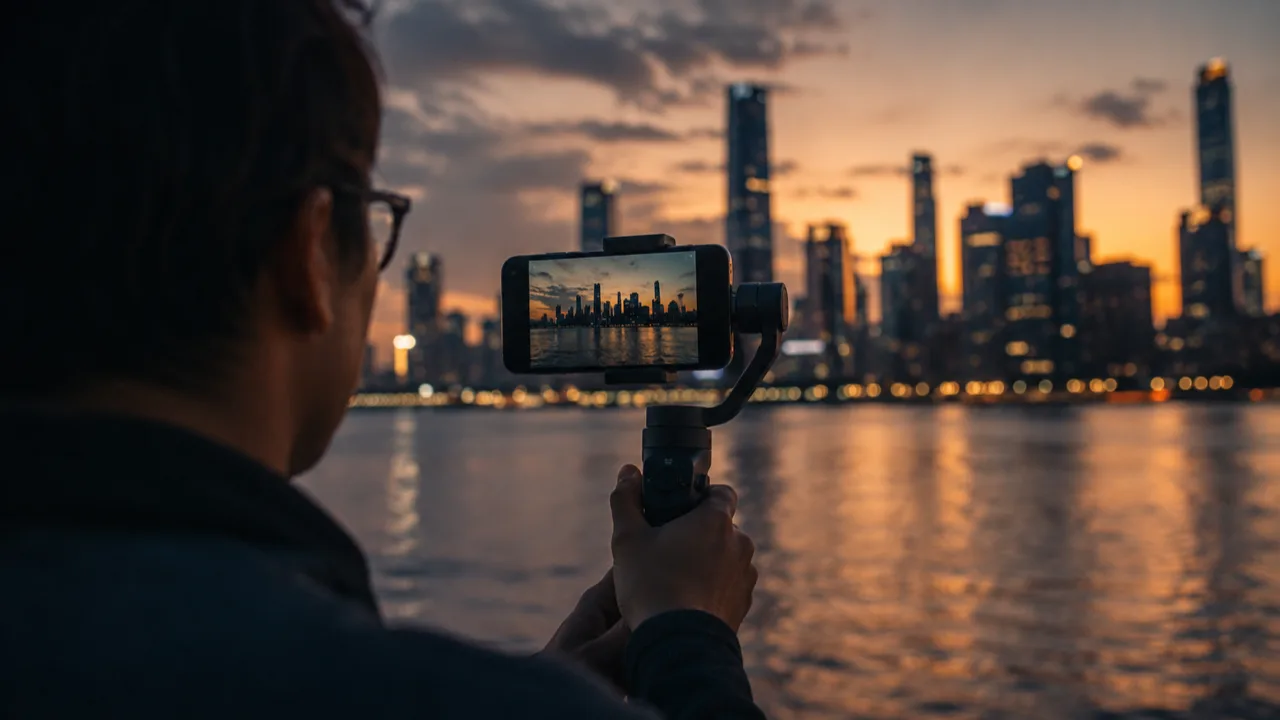
You know the feeling: you see a beautiful moment, press record, and the clip doesn’t do it justice. So you save another tutorial. Try another filter. Put a better camera on your wish list.
Takeborne gives that effort a direction. Learn one thing. Use it on a real scene. Watch what changes. Then build on it tomorrow. A small, deliberate practice beats a folder full of tips you never use.
From noticing a scene to finishing a film, in an order that makes sense.
Explore the full courseUnderstand what light, a lens and a frame do to a moment. Stop hoping the camera will make the right choices for you.
Put each lesson into practice. Film an exercise with your phone, compare your takes and learn from what’s actually on screen.
Find the rhythm in your footage. Shape the edit, work with colour and sound, and deliver a complete 60-second film.
Most days take about 15 minutes of learning and 20–30 minutes of practice. Go at your own pace; the sequence matters more than the calendar.
Every day includes a lesson and a practical exercise. Open a day to see your assignment.
Days 1–4 · Build your foundation
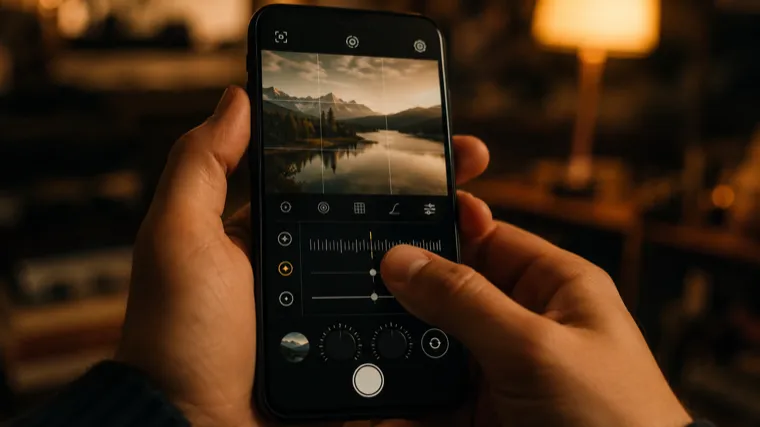 Take the camera off autopilotSettings & control
Meet the controls that shape your image: frame rate, shutter and resolution. Learn which settings to lock before a take, and why a default camera app can get in your way.
Your assignment: Film the same ten seconds with four settings. Compare the footage and identify what changed.
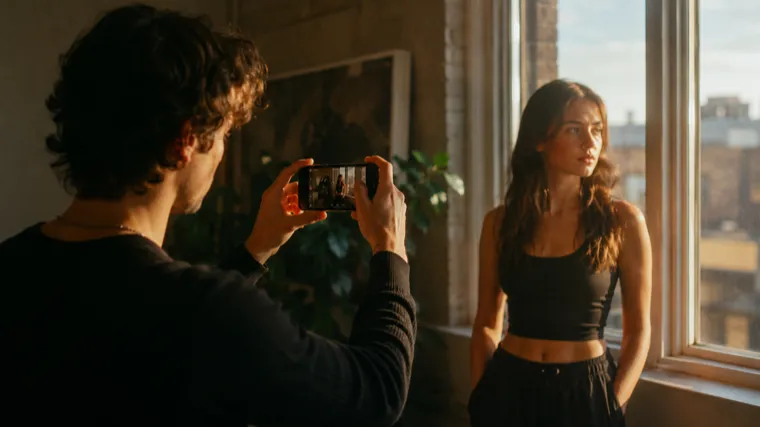 Keep the light on your sideFocus & exposure
Read the light before you record. Lock focus and exposure, then adapt to a bright window, harsh sunlight or a dim room without letting the phone chase the scene.
Your assignment: Film one subject in three difficult lighting situations and choose how to expose each shot.
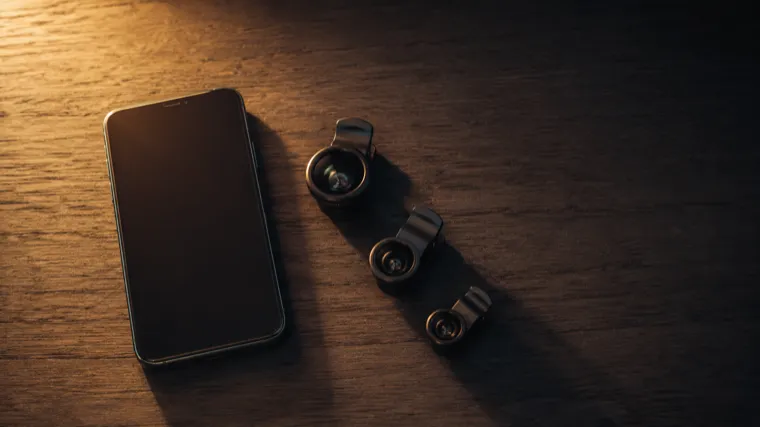 Choose a lens with a reasonPerspective & distance
Explore how wide, main and telephoto lenses change faces and spaces. Understand the limits of digital zoom and pick your lens before deciding where to stand.
Your assignment: Keep your framing consistent while filming the same subject with each available lens.
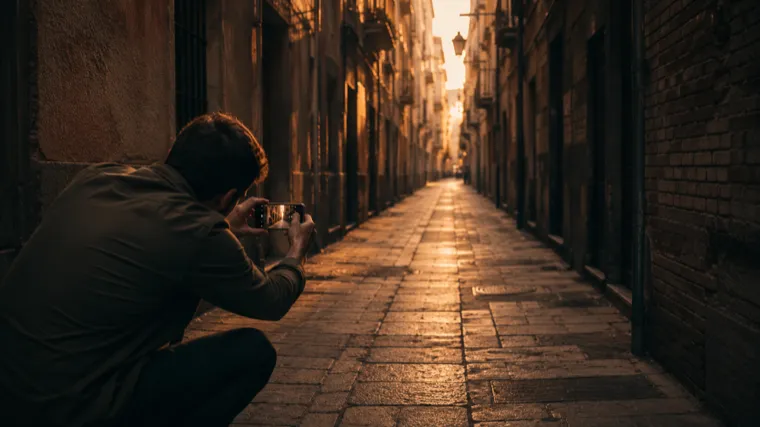 Give the frame somewhere to goComposition & depth
Build a frame with intention: depth, headroom, lead room and a place for the eye to land. Use a repeatable five-step setup to arrange what the viewer sees.
Your assignment: Study three frames from a film you admire, then recreate their composition with your own scene.
Days 5–8 · Film with intention
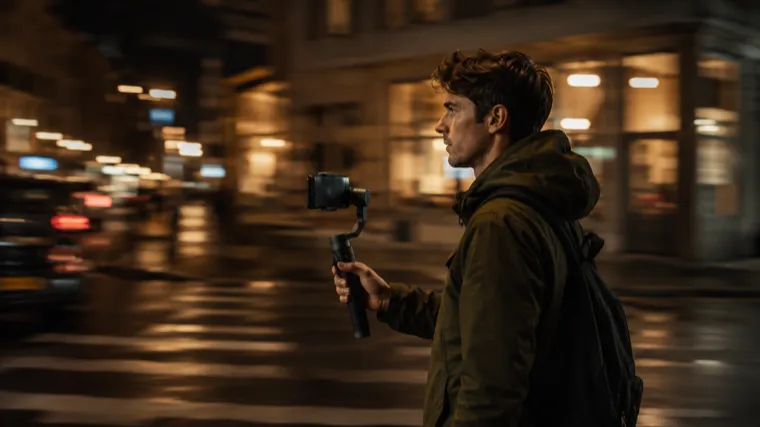 Move the camera. Keep the feeling.Movement & stability
Practice five useful camera moves. Make handheld movement look deliberate, and understand when a gimbal helps and when it’s unnecessary.
Your assignment: Film one subject with each of the five moves. Notice how the motion changes the scene.
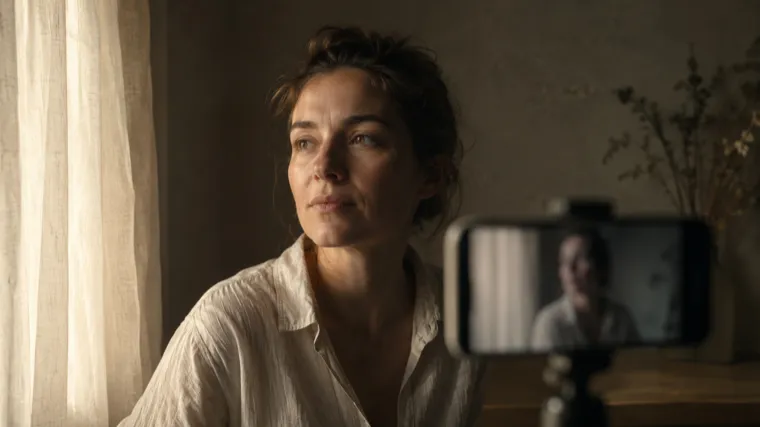 Find your light in an ordinary roomPractical lighting
Learn to see the direction and quality of light. Soften a hard source and use a window, a wall or a bedsheet to shape a face without buying a lighting kit.
Your assignment: Create three lighting setups for the same face using things you already have.
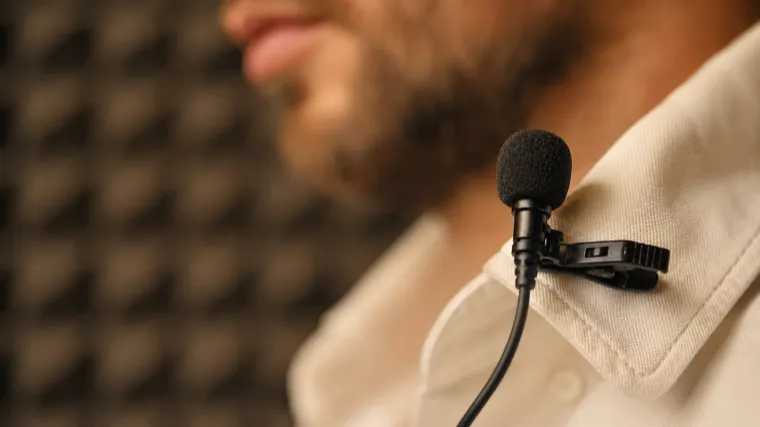 Make the sound worth listening toAudio & atmosphere
Get closer to clean, usable sound with your phone. Recognize the trade-offs of different recording setups and learn which audio purchases are worth considering later.
Your assignment: Record the same line four ways. Listen back before you decide which setup works.
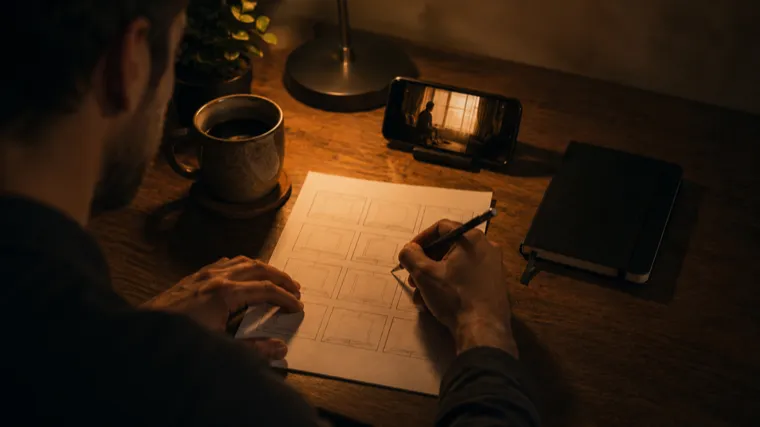 Turn a few shots into a storySequence & intention
Give your footage a beginning, a direction and a reason to keep watching. Plan a sequence, choose an opening frame and shoot with the edit in mind.
Your assignment: Tell a complete story in just six shots.
Days 9–14 · Finish your film
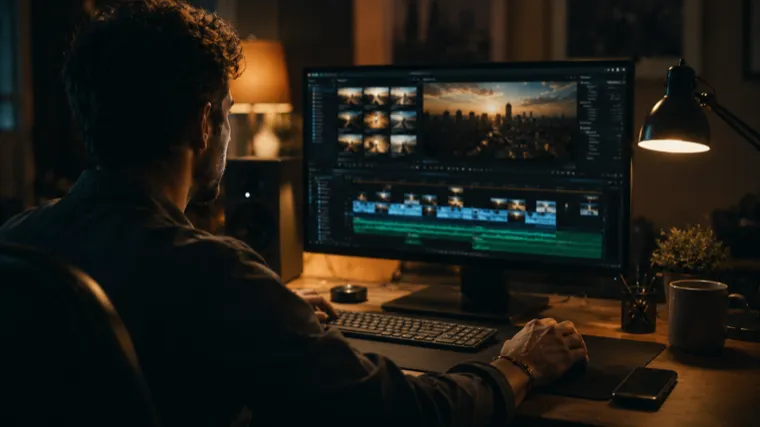 Find the film inside your footageEditing workflow
Organize your takes and work through a repeatable ten-step edit. Understand what to look for in an editing app, on either your phone or a desktop.
Your assignment: Build a first cut using the footage you filmed in the opening week.
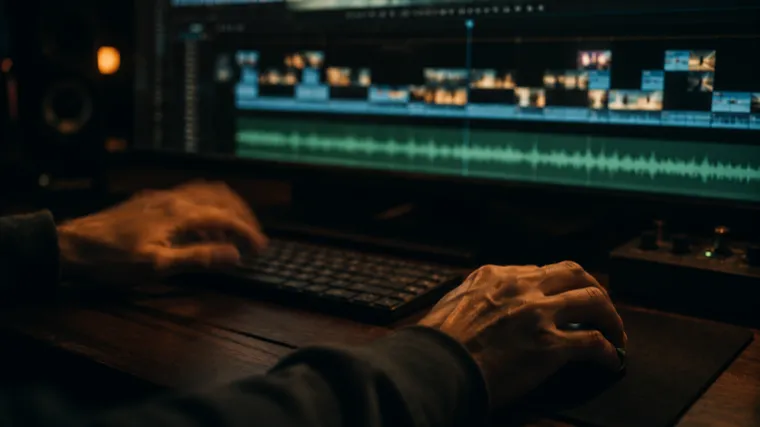 Let the cut set the rhythmPacing & music
Choose where to cut and when to let a shot breathe. Use music you have permission to use, and make transitions support the story.
Your assignment: Edit the same footage to two different tracks. Compare the mood of each version.
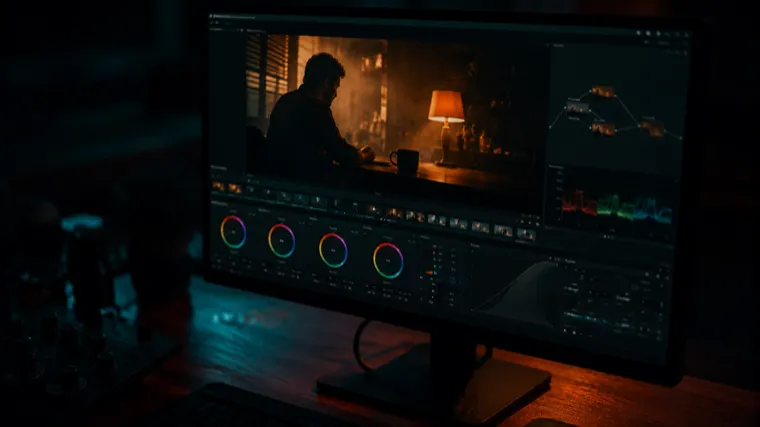 Build a look without losing the sceneColour & consistency
Correct an image before styling it. Keep skin tones believable, create a consistent grade and use LUTs as a tool rather than a shortcut.
Your assignment: Grade one clip three ways and choose the treatment that best serves the scene.
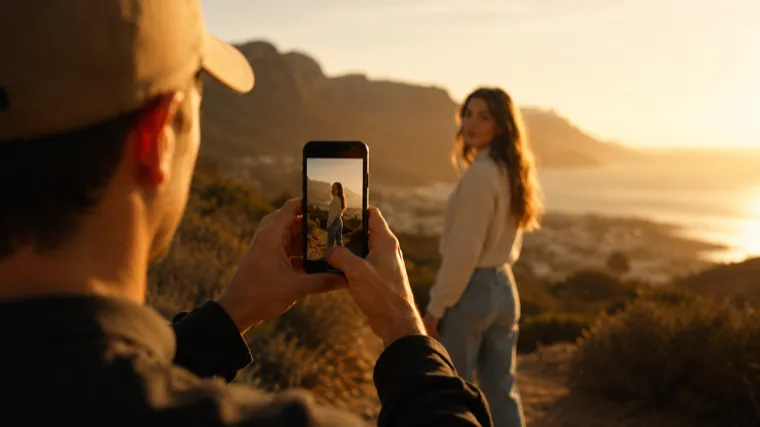 Make vertical a creative choiceReels, Shorts & 9:16
Compose for a vertical screen from the start. Leave room for the interface, place captions intentionally and adapt an idea to different formats.
Your assignment: Make both a vertical and a wide version of the same idea.
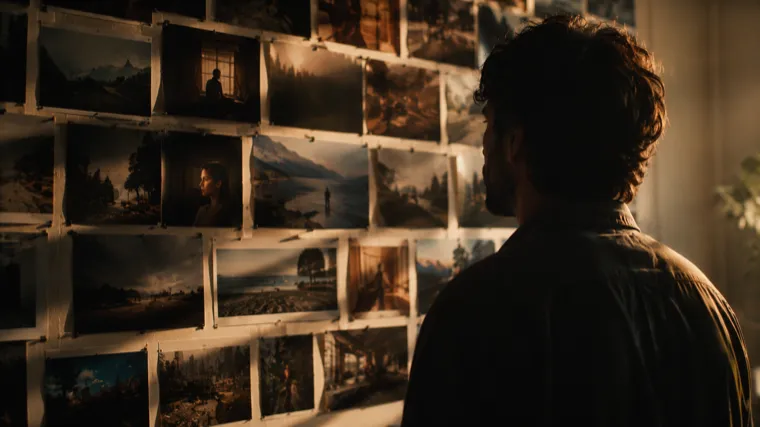 Make room for your own tasteReferences & visual style
Build a reference library that sharpens your eye. Identify what you admire, understand why it works and turn that understanding into your own choices.
Your assignment: Write a one-page creative brief for the look and stories you want to make.
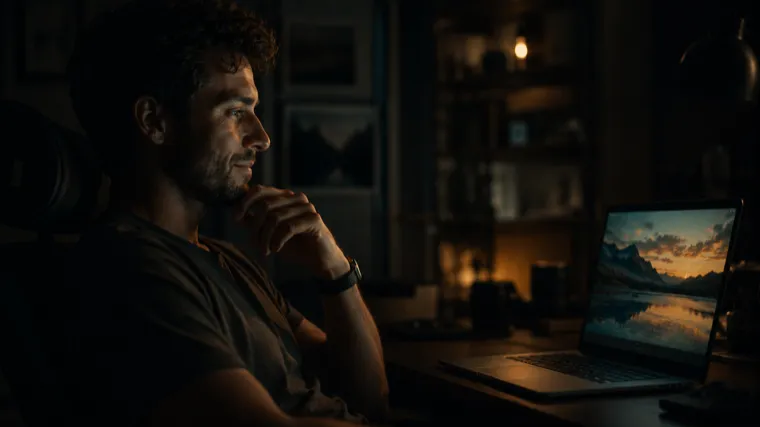 Make something you can press play onYour finished film
Plan a manageable shoot and put the full process to work: brief, film, edit, grade and export. Choose export settings that suit the platform.
Your assignment: Finish and deliver a 60-second film. This is where the separate lessons become one piece of work.
You don’t need a dramatic location to learn. A kitchen, a street corner, a friend by a window: ordinary scenes give you something to work with.
Takeborne is for beginners who are ready to film, and creators who want a more deliberate process. You’ll get the most from it by putting each lesson to use before moving on.
Already working professionally with cinema cameras? This course covers smartphone fundamentals, rather than advanced production workflows.
Every plan includes all fourteen days. Choose the course on its own, add reusable creative tools, or work alongside other students.
Prices in USD. One payment. No subscription. Lifetime course access while the course is operated.
To order, choose a plan and email us for payment instructions.
The whole method. A fresh start.
$25
One payment
The method, with a working toolkit.
$50
One payment
A shared practice. A place to ask.
$100
One payment
Everything in Enhanced, plus priority answers in group Q&A and one written critique of a clip you submit.
Everything in Prime, plus one video review with shot-by-shot written notes and a script template for Reels and Shorts.
Everything in Pro, plus a 30-minute live strategy session, a personal 30-day content plan, three additional video reviews over the following month and one month of direct message support.
You have 30 days from purchase to request a full refund. Write to contact@checkoutvia.com. Read the refund policy.
Have another question?
Talk to us
A phone that records video is enough to complete the course. You’ll work with light, composition, movement and editing using what you have. Equipment choices are discussed, but a camera, gimbal or lighting kit is not required.
Yes. The sequence starts with camera settings and builds toward a complete edit. The practical exercises give you a place to apply each idea before the next lesson.
Yes. The principles work on both. Where camera controls differ, the course addresses both iPhone and Android. Available lenses and settings will depend on your phone.
No. Fourteen days is the suggested rhythm, not an access deadline. Take more time when you need it. The practical work is the part to keep.
Typically, about 15 minutes for a lesson and 20–30 minutes to try the exercise. Your final film will take longer. A little room to review your footage makes the practice more useful.
Free tutorials can be useful. Takeborne brings the fundamentals into a sequence with an exercise for each step, so you spend less time assembling a learning path and more time making something.
Access to the course and its included updates for as long as the course is operated. It does not extend time-limited support services: those have the specific periods listed in each plan. See the terms of service.
Access instructions are sent to the email address used at checkout. Check your spam folder if you do not see them. For help, email contact@checkoutvia.com with the email address used for your order.
Email us within 30 days of purchase to request a full refund. No result claim or explanation is required. The refund policy explains how to make your request.
Start with your phone. Make one deliberate choice.
Then make the next.